Obsidian Web Clipper
Obsidian Web Clipper is a convenient way to import chats into Obsidian.
- Download and Install Obsidian Web Clipper
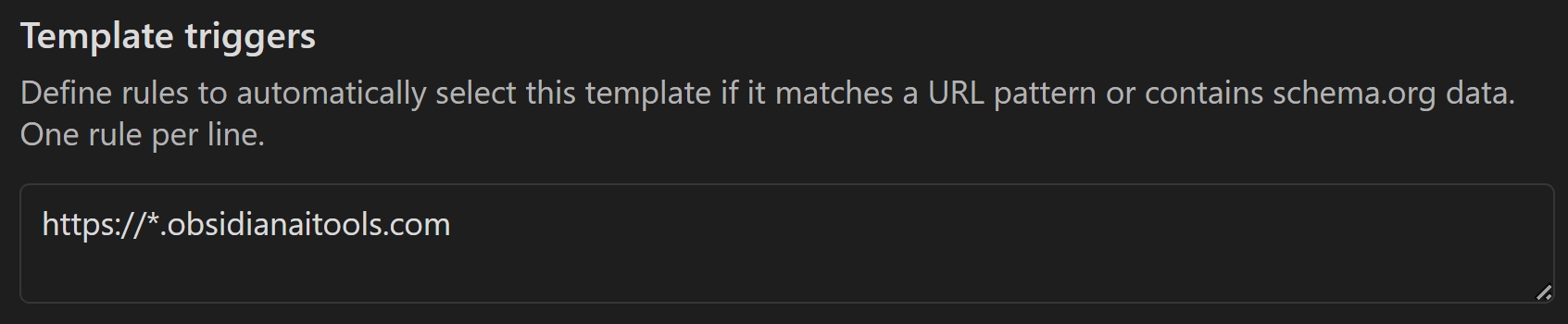
- Once installed create a new Template and give it a name, eg: "ObsidianAITools"
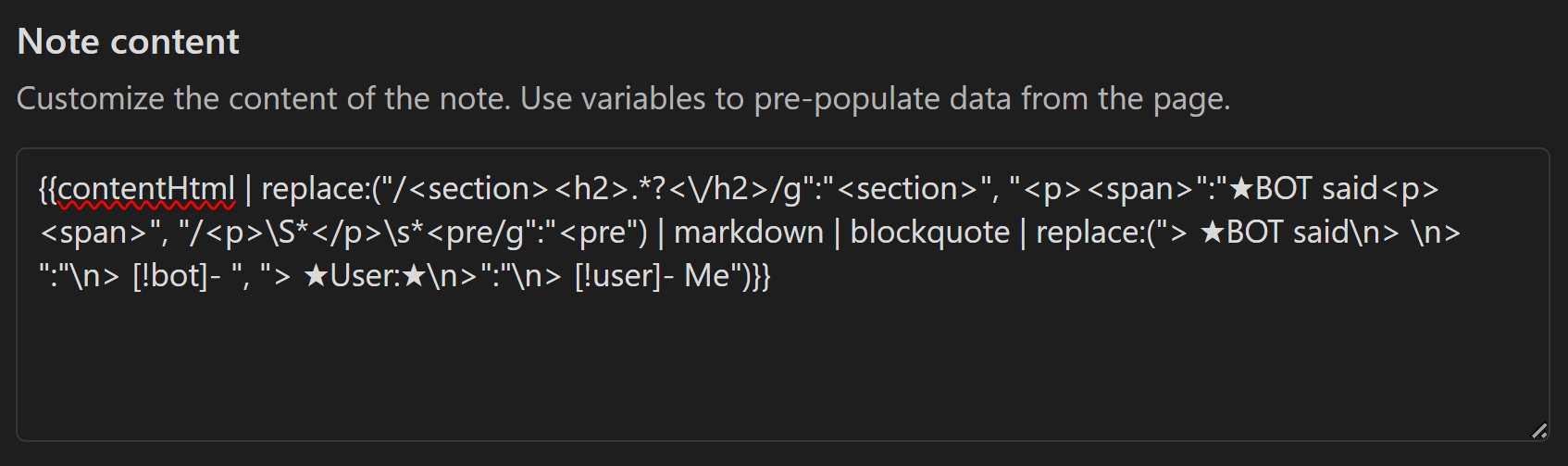
- Scroll Down and in the "Note Content" section add the following template provided by **JLDiaz**
{{contentHtml | replace:("/<section><h2>.*?<\/h2>/g":"<section>", "<p><span>":"★BOT said<p><span>", "/<p>\S*</p>\s*<pre/g":"<pre") | markdown | blockquote | replace:("> ★BOT said\n> \n> ":"\n> [!bot]- ", "> ★User:★\n>":"\n> [!user]- Me")}}
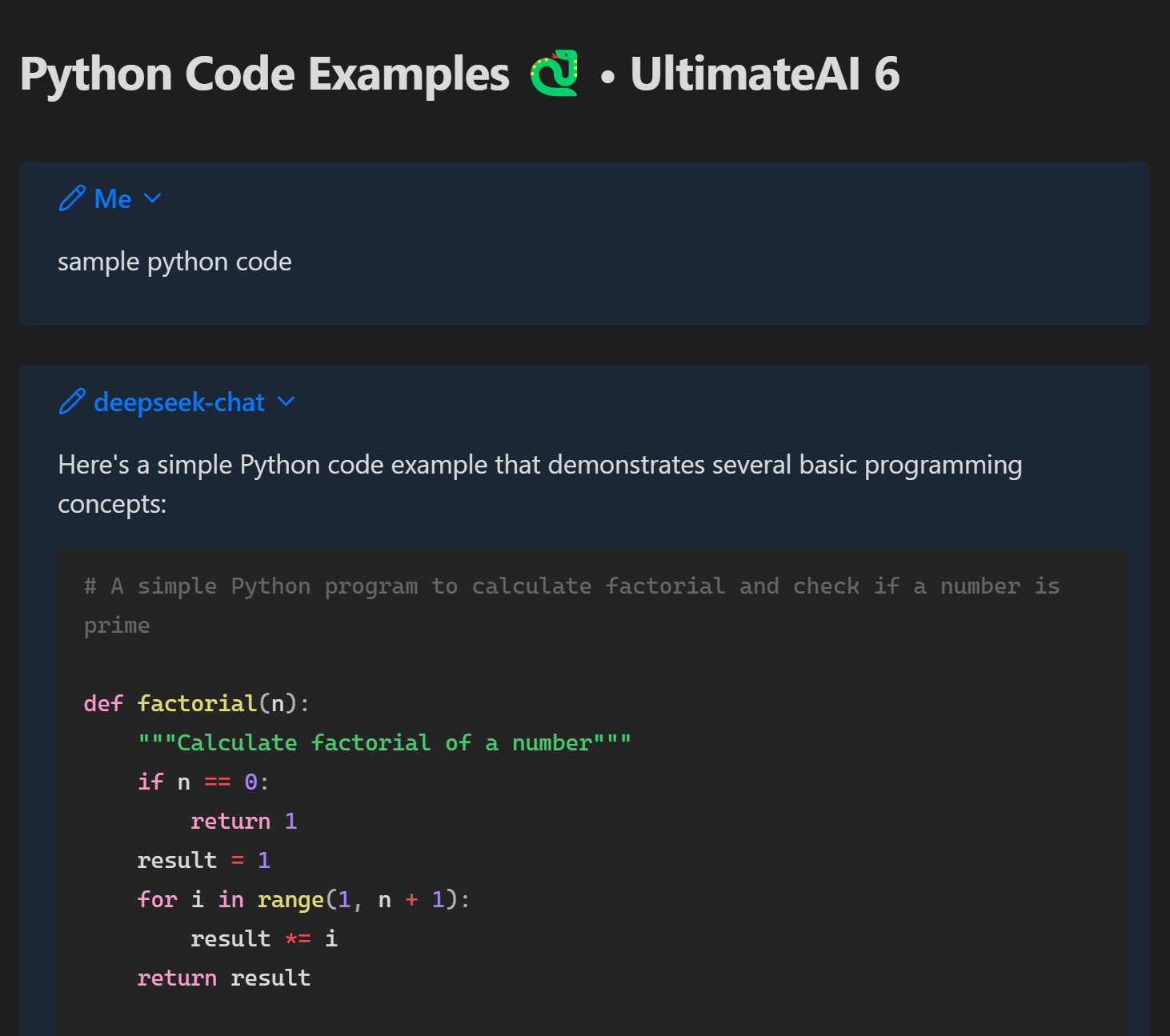
To Use WebClipper, Open the Sidebar, Refresh and Import and your Obsidian Note should appear formatted as follows;