
ChatGPT Desktop
ChatGPT Desktop App (aka: Work \ Codex)
- Download and Install the ChatGPT Desktop App
- Select "Enter API Key"
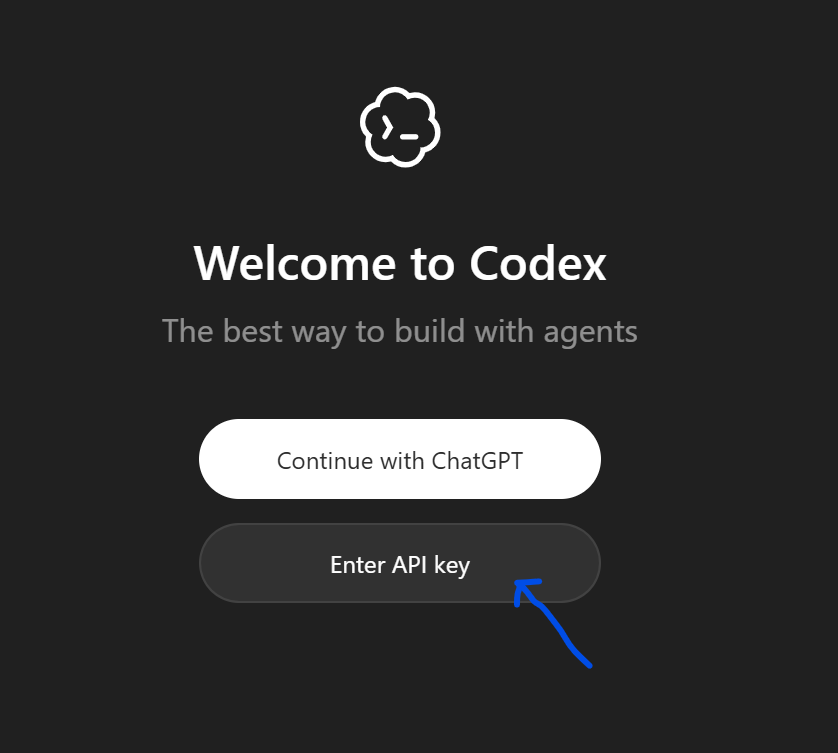
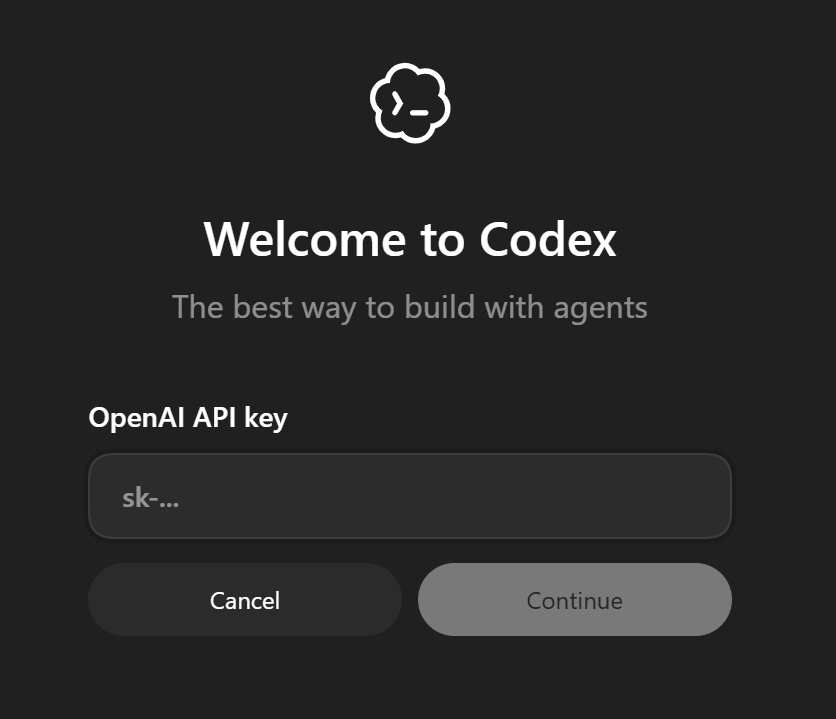
- Enter your API Key from UltimateAI (settings -> account)
- Add a single line to the top of your config.toml (hint: file-> settings -> open config)
Add this these lines to the top of your "~/.codex/config.toml"
openai_base_url = "https://api.ultimateai.org/v1"
model_context_window = 250000
model_auto_compact_token_limit = 200000
Start a NEW chat\window.
Note: For the first message, there may be a few re-tries while the protocol is negotiated.
Troubleshooting: If you already had Codex configured with another provider and you were not prompted for an API key, also edit "~/.codex/auth.json" then restart.
{ "auth_mode": "apikey", "OPENAI_API_KEY": "<your key>"}
Logout and back-in for the changes to take effect.